

Connections
A connection gives Nimzo access to one of your providers. Nimzo uses two kinds:
- Git connections let Nimzo read your repositories and open pull requests on them. Connect GitHub, GitLab or Bitbucket.
- Cloud connections let Nimzo read your cloud accounts to build the inventory. Connect an AWS account, an Azure subscription or a Google Cloud project.
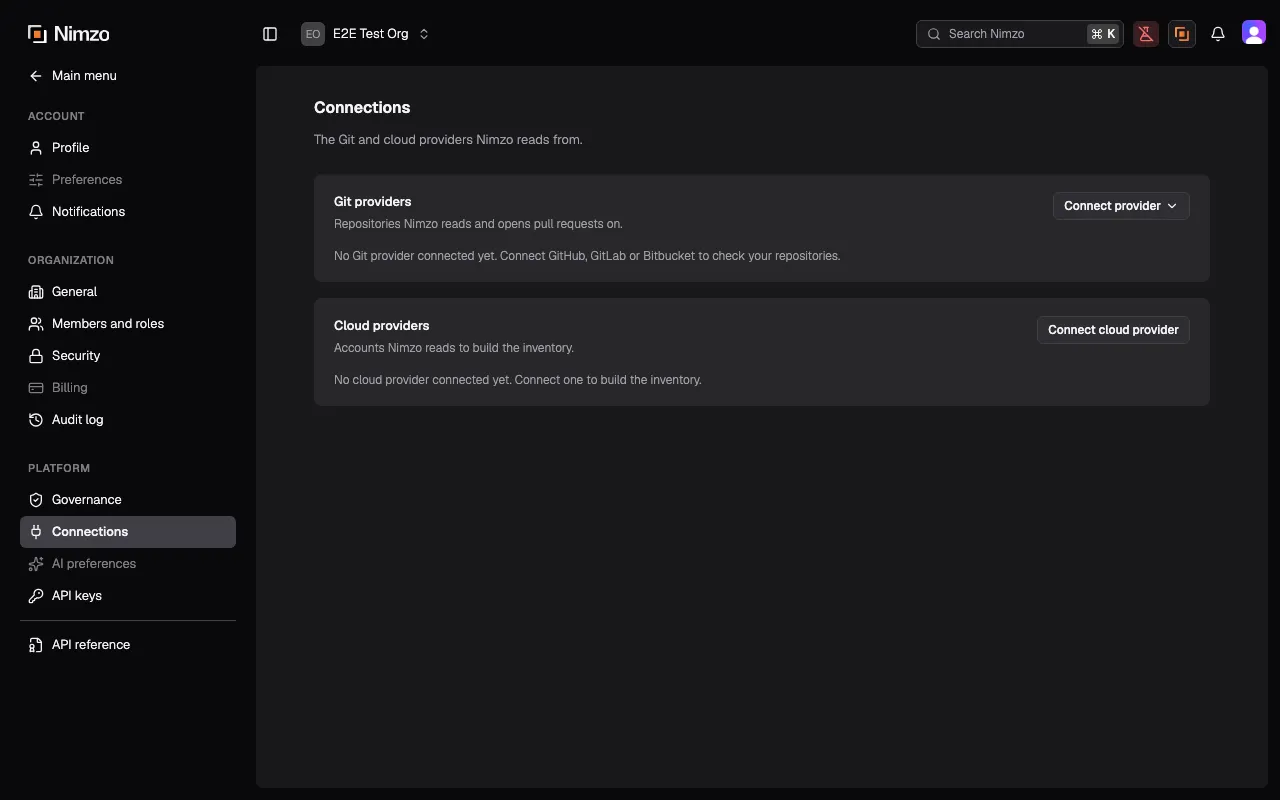
Open the Connections page
Section titled “Open the Connections page”- At the bottom of the sidebar, select Settings.
- Under Platform, select Connections.
The page lists your Git providers, then your Cloud providers.
Who can manage connections
Section titled “Who can manage connections”Every member of the organization can see the connections. Only an Admin can connect, test and disconnect them. Other members see “Connecting a provider needs the Admin role. Ask an Admin of this organization.” instead of the connect buttons.
Test a connection
Section titled “Test a connection”A token expires, a role loses its permissions, or an app is uninstalled: testing a connection tells you whether Nimzo can still use it. A test changes nothing.
- Select the ⋯ button at the end of the connection’s row.
- Select Test connection.
The row shows Testing, then the result:
- Passed: Nimzo signed in to the provider with the connection.
- Failed: the provider refused the connection. The reason shows under the row, such as “The provider did not accept this token. Check that it is valid, not expired, and has the required scopes.”
The result stays on the row until you reload the page. What Nimzo checks depends on the provider: see Git connections and Cloud connections.
Disconnect a provider
Section titled “Disconnect a provider”- Select the ⋯ button at the end of the connection’s row.
- Select Disconnect.
- Select Disconnect again to confirm.
Nimzo stops using the connection and deletes any token, key or secret it stored. Repositories connected through a Git provider stop being checked. Each provider’s section says what else to clean up on the provider’s side.
Troubleshooting
Section titled “Troubleshooting”- “Could not load your Git providers.” or “Could not load your cloud providers.” Reload the page.
- “This git connection no longer exists. Refresh the page.” or “This cloud connection no longer exists. Refresh the page.” Another Admin disconnected it. Reload the page.
- “You do not have permission to do this. Ask an Admin of the organization.” Only an Admin can connect, test and disconnect providers.