

Notifications
Notifications tell you when something needs your attention. Your choices apply to every organization you belong to.
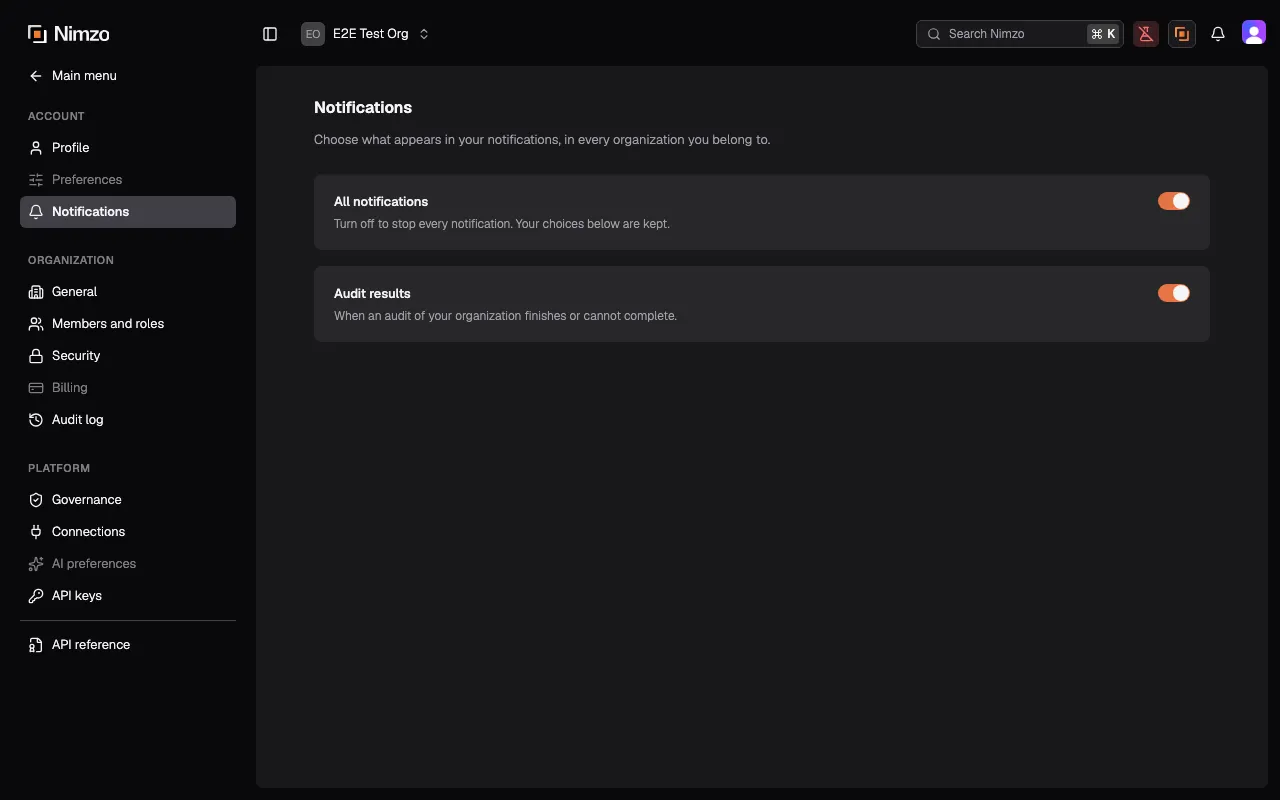
Turn all notifications on or off
Section titled “Turn all notifications on or off”- In the sidebar, select Settings, then Notifications.
- Use the All notifications switch.
When you turn it off, you receive no notification. Nimzo keeps your other choices. They apply again when you turn it on.
Choose which notifications you receive
Section titled “Choose which notifications you receive”Below All notifications, each switch controls one kind of notification.
- Audit results: you are told when an audit of your organization finishes or cannot complete.
Turn the switch off to stop this kind of notification.
Troubleshooting
Section titled “Troubleshooting”- Could not load your notification settings. Select Retry.
- Could not save your notification settings. Try again. Select Retry in the message.
Your primary email address receives your notifications. To change it, see Profile.